Building a Cluster of Single-Board Computers to Run a Massive LLM: The Most Unhinged Experiment Yet
When you dive deep into the world of local large language models (LLMs), you quickly realize that old x86 PCs with dedicated GPUs are the usual go-to. But what if you tossed all that out the window and instead built a cluster of small, low-power single-board computers (SBCs) to run a heavy model? That’s exactly what I did, and the results were as chaotic as they were fascinating. Below, I answer your burning questions about this bizarre, resource-constrained, yet oddly satisfying project.
1. What exactly did you build, and why call it “unhinged”?
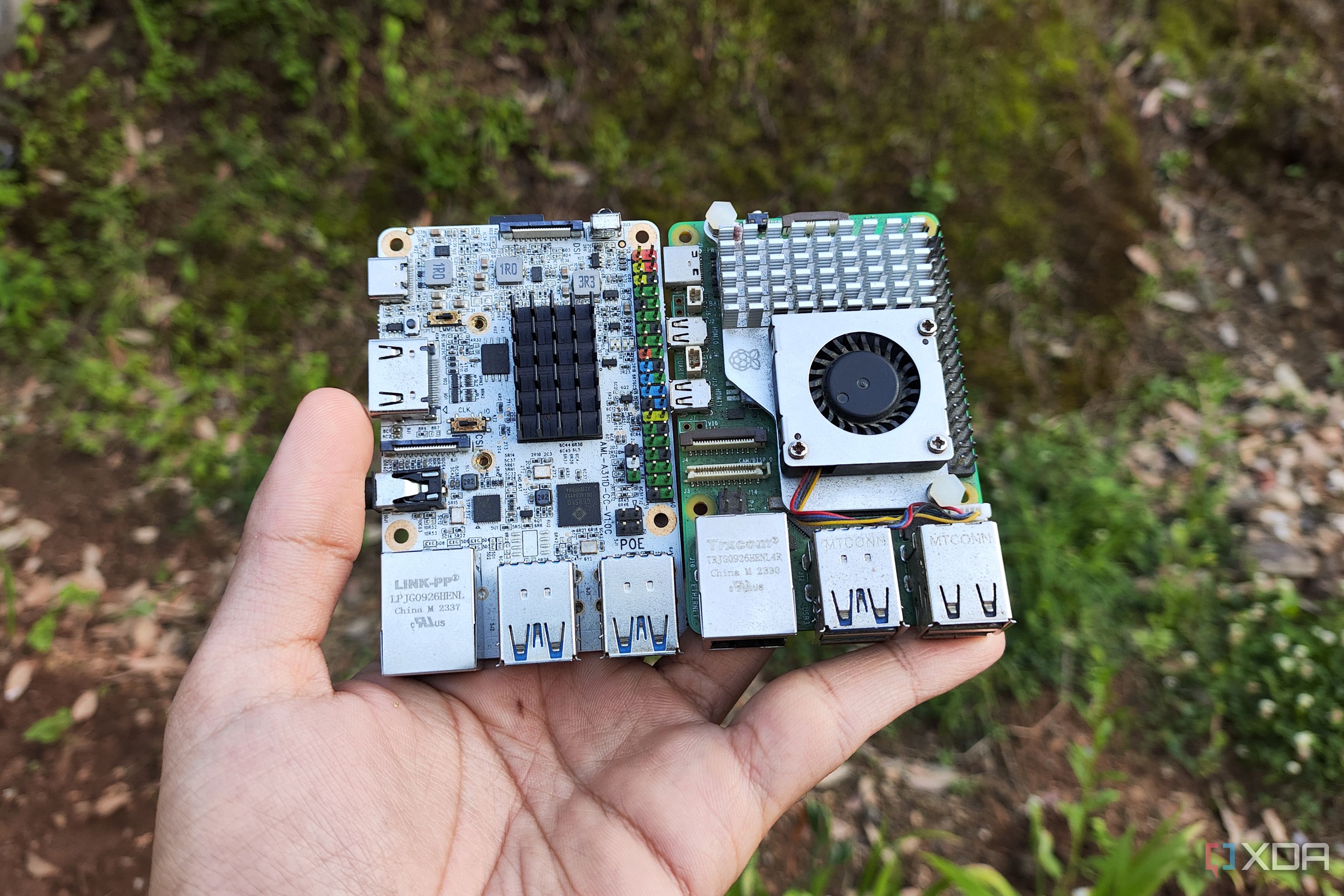
I connected a handful of Raspberry Pi 4 boards—each with just 4GB of RAM—into a makeshift cluster using Ethernet and a lightweight distributed computing framework. The goal was to load and run a full-sized LLM (think LLaMA-2 13B) across these boards. It’s “unhinged” because SBCs are notoriously weak for AI inference: they lack GPUs, have limited memory, and slow interconnects. Running a bulky LLM on such hardware defies common sense, but the challenge and educational value made it irresistible. The setup involved manually splitting the model’s layers across nodes and dealing with constant memory bottlenecks.
2. What hardware and software did you use for this cluster?
Hardware-wise, I used four Raspberry Pi 4 units (4GB each), a PoE switch for power and data, and a small SSD for shared storage. For software, I installed a custom Linux distro (Ubuntu Server) on each Pi, then deployed llama.cpp with a distributed inference patch. The cluster communicated via MPI (Message Passing Interface) to shuttle tensor computations between boards. It was a finicky process—getting all nodes to sync without one failing under memory pressure was the hardest part. I also added a simple load-balancing script to distribute incoming prompts.
3. How well did the SBC cluster actually run the large language model?
Surprisingly, it worked—but at a glacial pace. Generating a single sentence (about 20 tokens) took roughly 3–5 minutes, compared to 2–3 seconds on a consumer GPU-equipped desktop. The bottleneck wasn’t just raw compute; the frequent data transfers between Pis over the network created latency spikes, and the model’s weights barely fit across four 4GB boards (after quantization to 4-bit). I could only use a context window of 512 tokens. For short prompts, it was a fun technical demo. For any practical use, it’s a no-go—unless you’re patient enough to wait for haikus.
4. What were the biggest challenges you faced during this build?
The top challenge was memory management. Each Pi had only 4GB, and after the OS and llama.cpp overhead, less than 3GB was free for the model. Even after aggressive quantization, the 13B model occupied about 7.5GB total, forcing me to spread it across nodes. If one node’s memory got maxed out, the whole cluster froze. Network reliability was another pain: a single packet loss would stall inference. Cooling also became an issue—after 20 minutes of continuous prompting, the Pis throttled due to heat. I had to add tiny heatsinks and a fan. Finally, debugging distributed code on SBCs was like untangling Christmas lights in the dark.
5. Is there any real advantage to using SBC clusters for LLMs over a single old PC?
Honestly, for raw performance, no. A 10-year-old x86 desktop with an old GPU and 32GB RAM would trounce this setup in speed and reliability. But the advantages are educational: you learn about distributed computing, model parallelism, and low-level memory optimization. It’s also incredibly cheap—four Pi 4s cost around \$200 total, whereas a dedicated workstation GPU alone can cost ten times that. And the power draw is minuscule (under 50W for the cluster vs. 300W+ for a gaming rig). So if you care more about tinkering and energy savings than real-time chat, an SBC cluster is a unique sandbox.
6. Could you scale this cluster to run even bigger models?
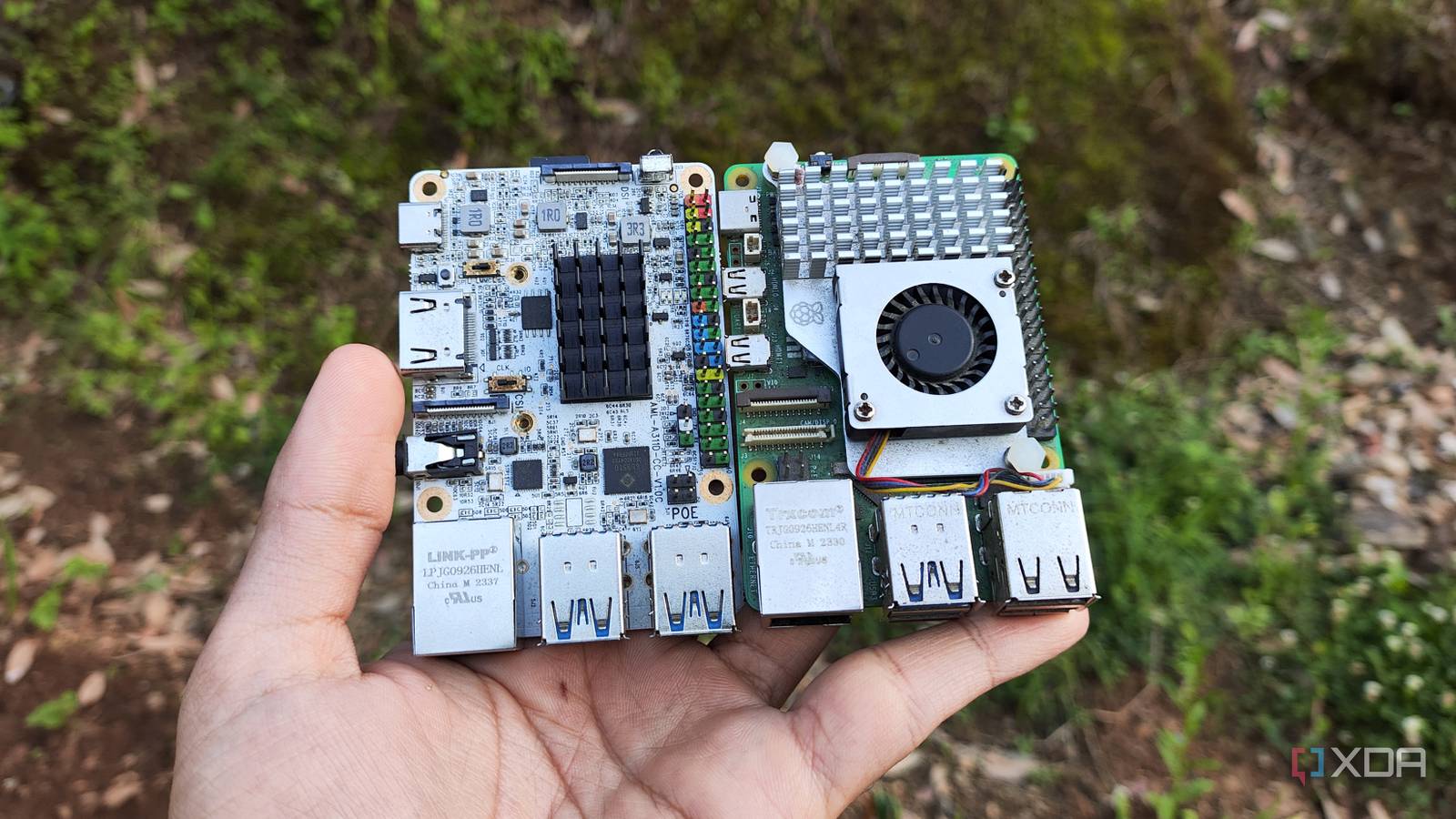
Theoretically, yes—by adding more SBCs. For example, to run a 70B parameter model quantized to 4-bit (about 35GB), you’d need roughly 12 Raspberry Pi 4s (4GB each) just for memory, plus extra nodes for compute. But the network becomes the limiting factor: Ethernet latency would skyrocket, and the software stack isn’t designed for such high node counts. I experimented with six Pis briefly, and the coordination overhead made inference slower, not faster. A better approach would be using SBCs with more RAM (e.g., Raspberry Pi 5 with 8GB) or faster interconnects (like USB 3.0 or NVMe over networking). But for now, the cluster remains a quirky proof-of-concept.
7. What did you learn from this experiment that applies to normal LLM deployments?
This hands-on project taught me that memory bandwidth is often more critical than raw FLOPs. On a single GPU, tensor parallelism is handled by the hardware; on a cluster, you have to manually manage data pipelines. I also learned the importance of quantization—without 4-bit precision, the model wouldn’t have fit at all. For production AI, these lessons translate to smarter resource allocation: you might run smaller models on edge devices (like SBCs) for simple tasks, reserving larger models for powerful servers. The cluster also highlighted how far open-source tools like llama.cpp have come—they enable experimentation on hardware that would have been laughable just two years ago.
8. Would you recommend anyone try building this kind of SBC LLM cluster?
Only if you’re a die-hard hobbyist who loves pain and learning. I wouldn’t recommend it if you need a usable LLM for everyday tasks—you’ll be frustrated by the speed. But if you’re curious about distributed systems, want to squeeze every drop of performance out of cheap hardware, or enjoy projects that make you feel like a mad scientist, go for it. Start with a smaller model (e.g., 7B) and two Pis, then scale gradually. Be prepared for lots of debugging, and keep a fire extinguisher handy (kidding). For me, the pure joy of seeing tokens crawl out on a screen after hours of configuration made it all worth it.